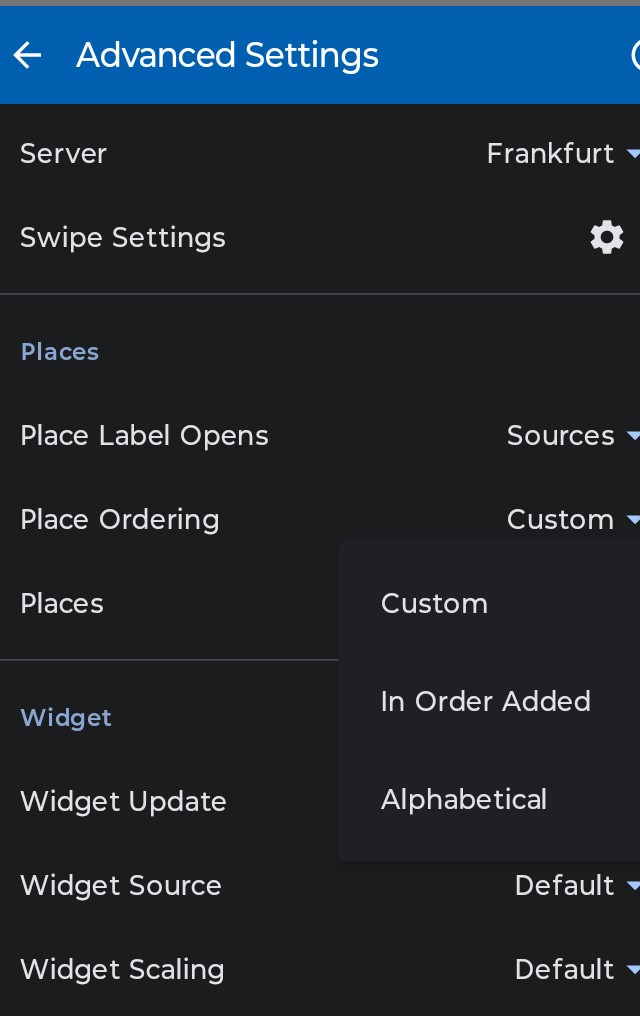
We recently moved and want our new location to be at the top of my places list.
For some reason, despite putting all the desired locations in the order I want, when I look at it the next day the order is wrong.
In my case, old place 1 stays at the bottom, place 2 should be in position 1.
After quitting Flowx, clearing recents, and restarting Flowx it looks fine, but after closing the app and coming back to it hours later, the order has old 3 at the top followed by place 2. The desired order should be old 2, old 3, etc.
Will still keep reordering and try to identify if there contributing factors.
It seems the currently selected place is not respecting any position change. So you cannot change the currently selected place.
The work around is to select a place that is in the right position, change the other ones, quit the app by swiping it out of the list of open apps. You can do this in two steps if you want to change all place positions or add a dummy place to select when you change positions. Then delete the dummy place.