Bug in "Edit layer" interface

Found a small bug in “Edit layer” interface:

When toggling between presets, in this case for Pressure:

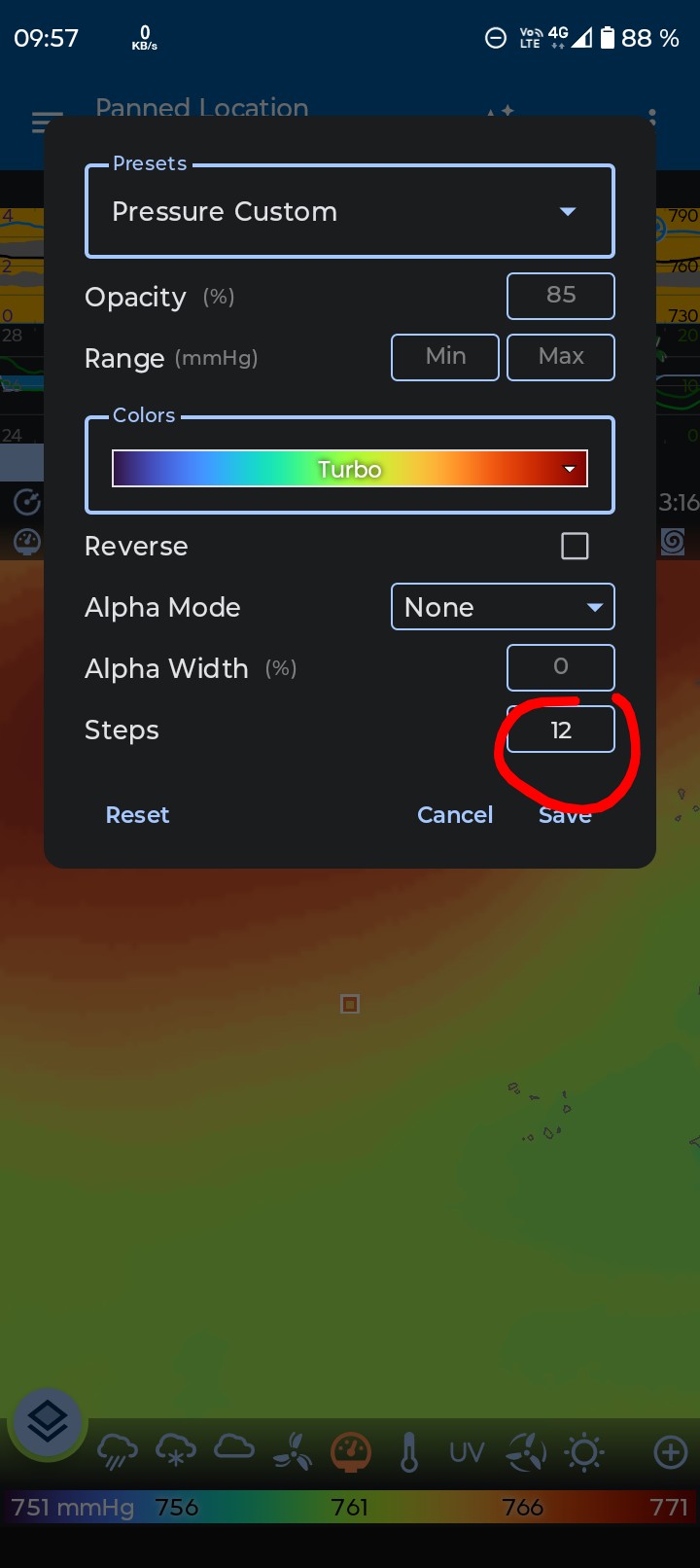
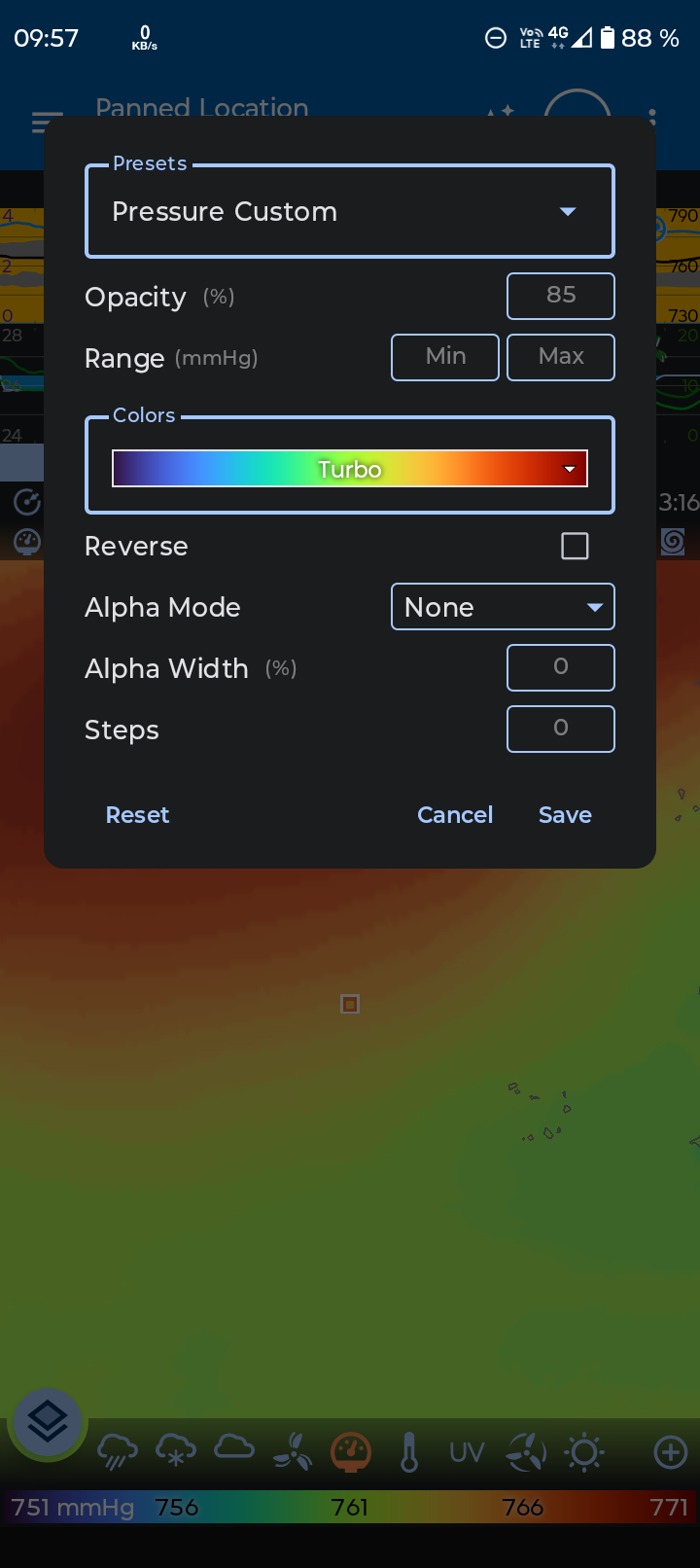
Starting at preset “Pressure custom”, both the map and the number of steps displayed i.e. 0 meaning off looks correct:

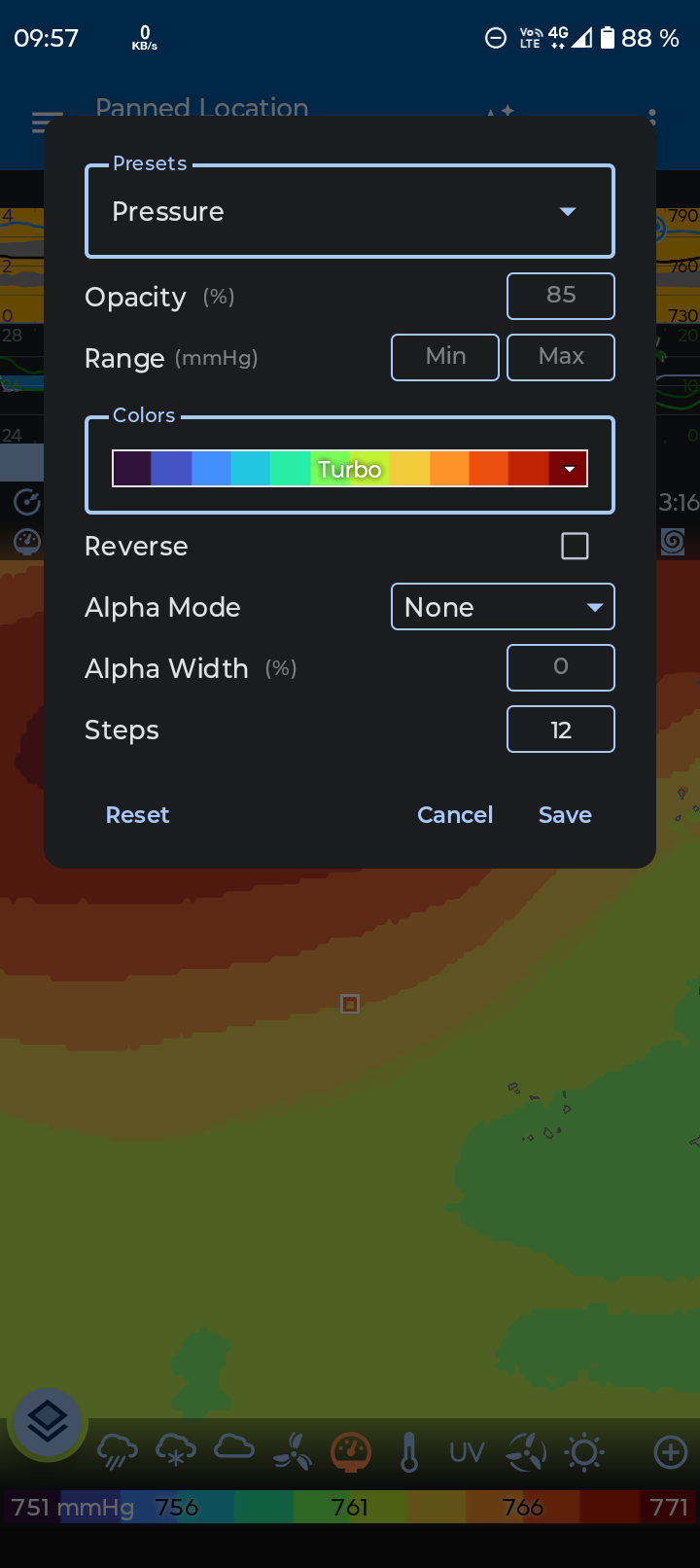
Switching to preset “Pressure”, again both the map and the number of steps displayed i.e. 12 looks correct:

Switching back to preset “Pressure custom”, the map goes back to “steps off” but here a bug makes the number, in red cirkle below stay at 12 instead of showing 0:

In precipitation I don’t see this behaviour, but there the “0” is white, and not gray.

Making me believe that the gray “0” in the “Pressure custom” preset is the default value, and that the bug is that a default value it is not re-printed on the screen when toggling back to it from another preset that have a saved, non default value.

Nope. Just tried to replicate your bug.

No bug here.

Beta version. Release 4.644 (7 Sep 2026)

2 Likes

I updated to this version an can still se the bug behaviour, but inly for values that have not been set yet and are still gray. Even if the value have been set once and then put back to 0, or removed to default to 0, then the 0 is white and not gray, and it is hiding the bug.
1 Like

Also a second part of this bug:

the “reset” button seam to not reset, all values in the “Edit layer” interface.

For me:

  • If opasity is set, then reset is resetting it.
  • If opasity is not set (still at default, gray value) but range is set, then reset it not resetting range.
  • If both range and opasity is set, then reset is resetting both range and opasity,
  • Rest of settings , i.e.:
    • Colors
    • Reverse
    • Alpha mode
    • Alpha with
    • Steps
      are not reset by the reset button, no matter how I try.
1 Like

Reset actions vary by metric title.

For example, Reset applied to “Pressure” has a different outcome when applied to “Pressure Custom”.

Don’t you just love Flowx quirkiness :blush:

2 Likes