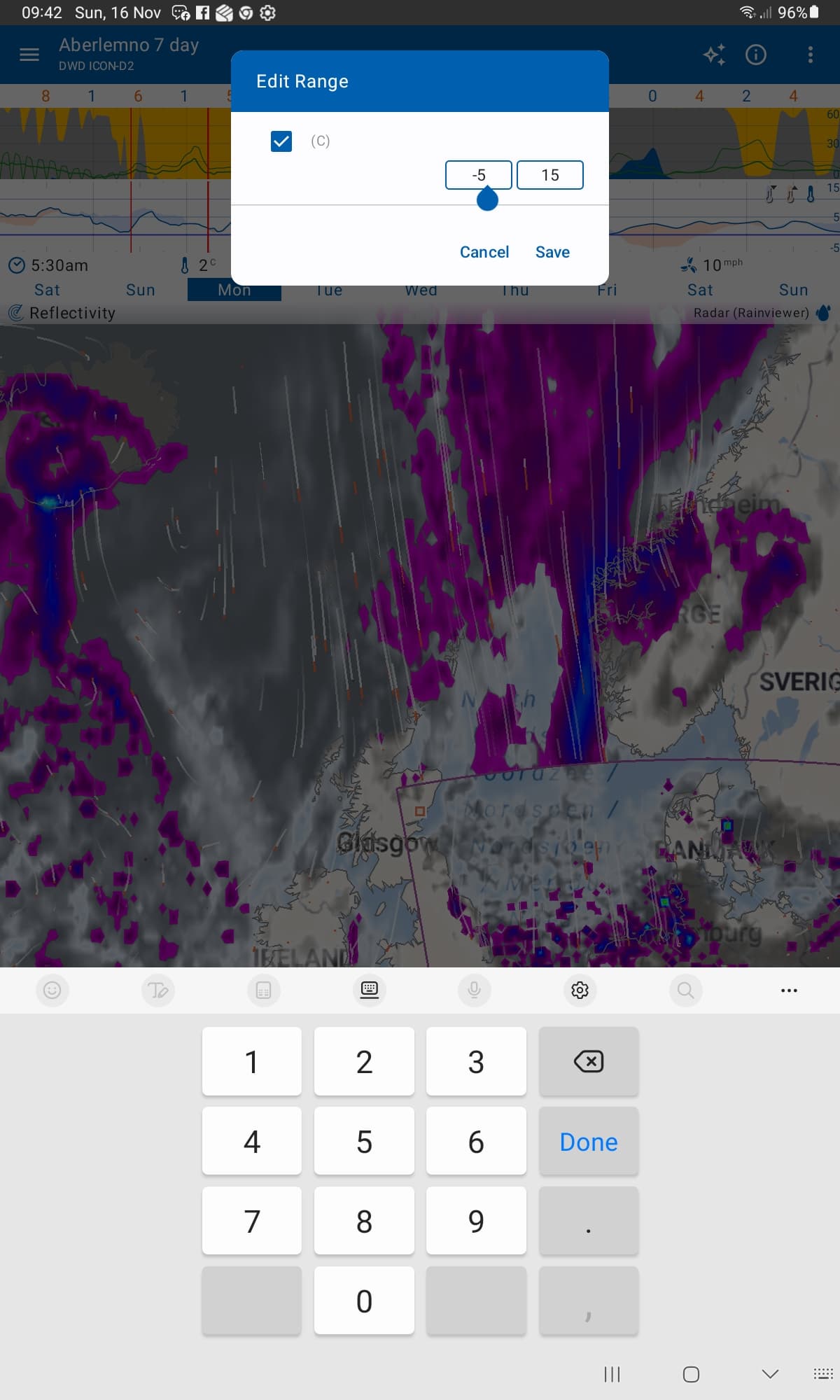
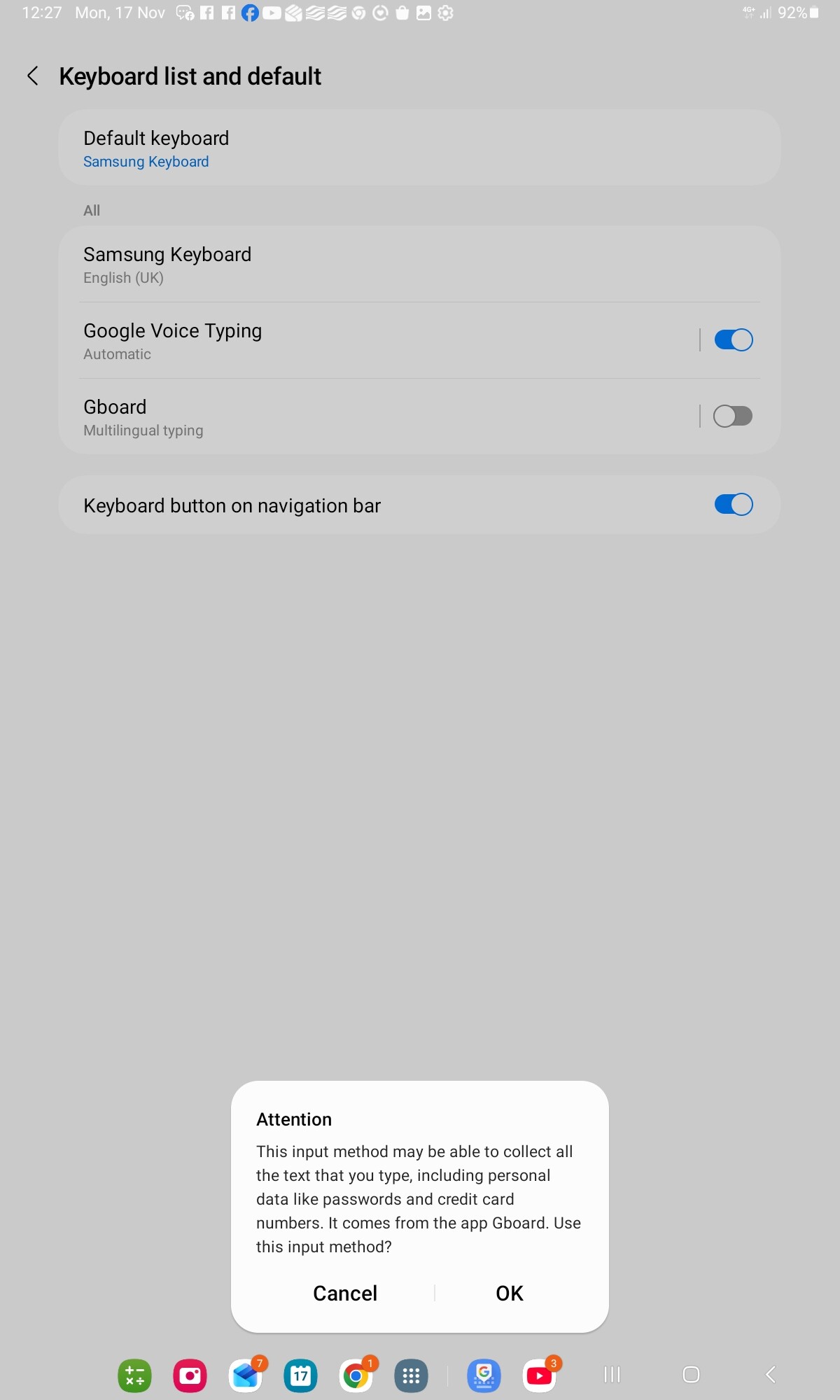
If you can’t input a “-” sign on the Samsung numeric keyboard that pops up when editing graph ranges, press the tiny keyboard symbol in the bottom right hand corner of the screen, select google voice type and say “minus” out loud.
Non of the other hints and tips online for this issue helped so I thought I’d post my solution here for when someone else starts swearing at their tablet over an otherwise pleasant Sunday morning breakfast.
Maybe FlowX could allow a choice of full or numeric keyboard for input?